
If the customer wants to upgrade or downgrade the plan educate the customer that he has the option on his application itself he just has to follow a few steps.
Steps to change the plan from the application:
Click on helpdesk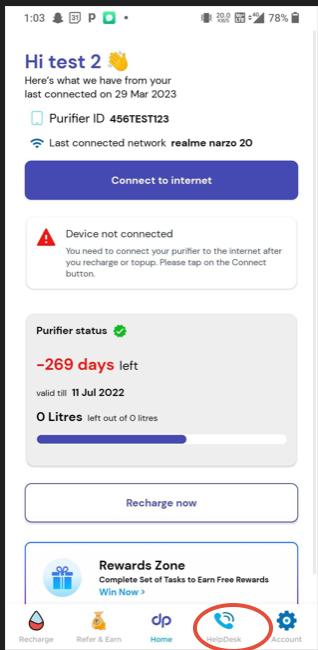
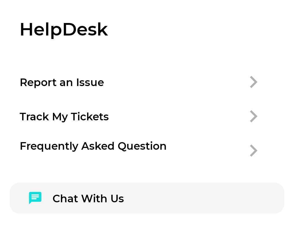
Click on Report an issue
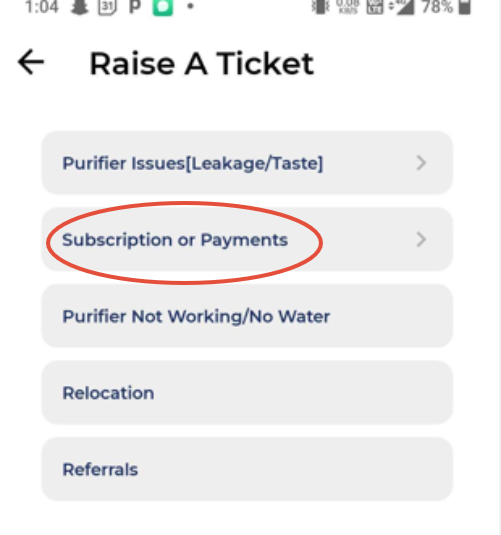
Click on Subscription or Payments
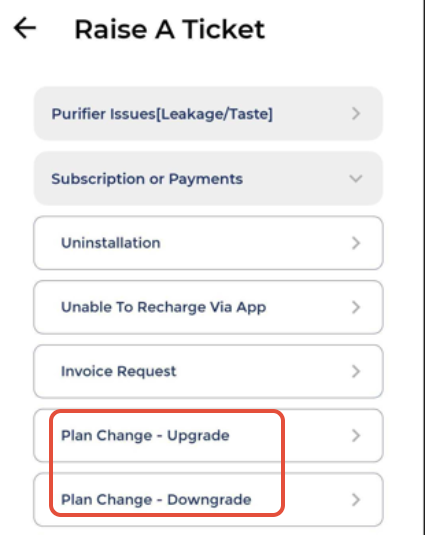
 Select plan upgrade or downgrade whichever customer required.
Click on Agreed and proceed
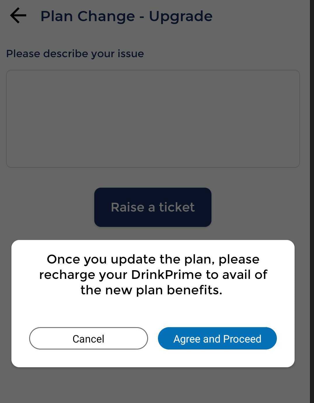
Select the desired plan
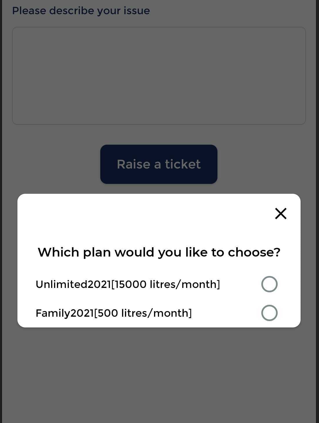
If the customer is not able to do it from his end then you can take the initiative to change the plan from the Workforce dashboard.
Confirm with the customer which plan they want to upgrade or downgrade. If the customer looking for down-gradation then inform the customer that all the liters will be reset to 0.
Click on Change plan
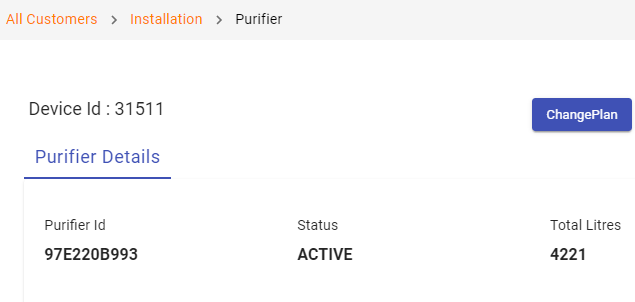
Click on change plan to dropdown symbol
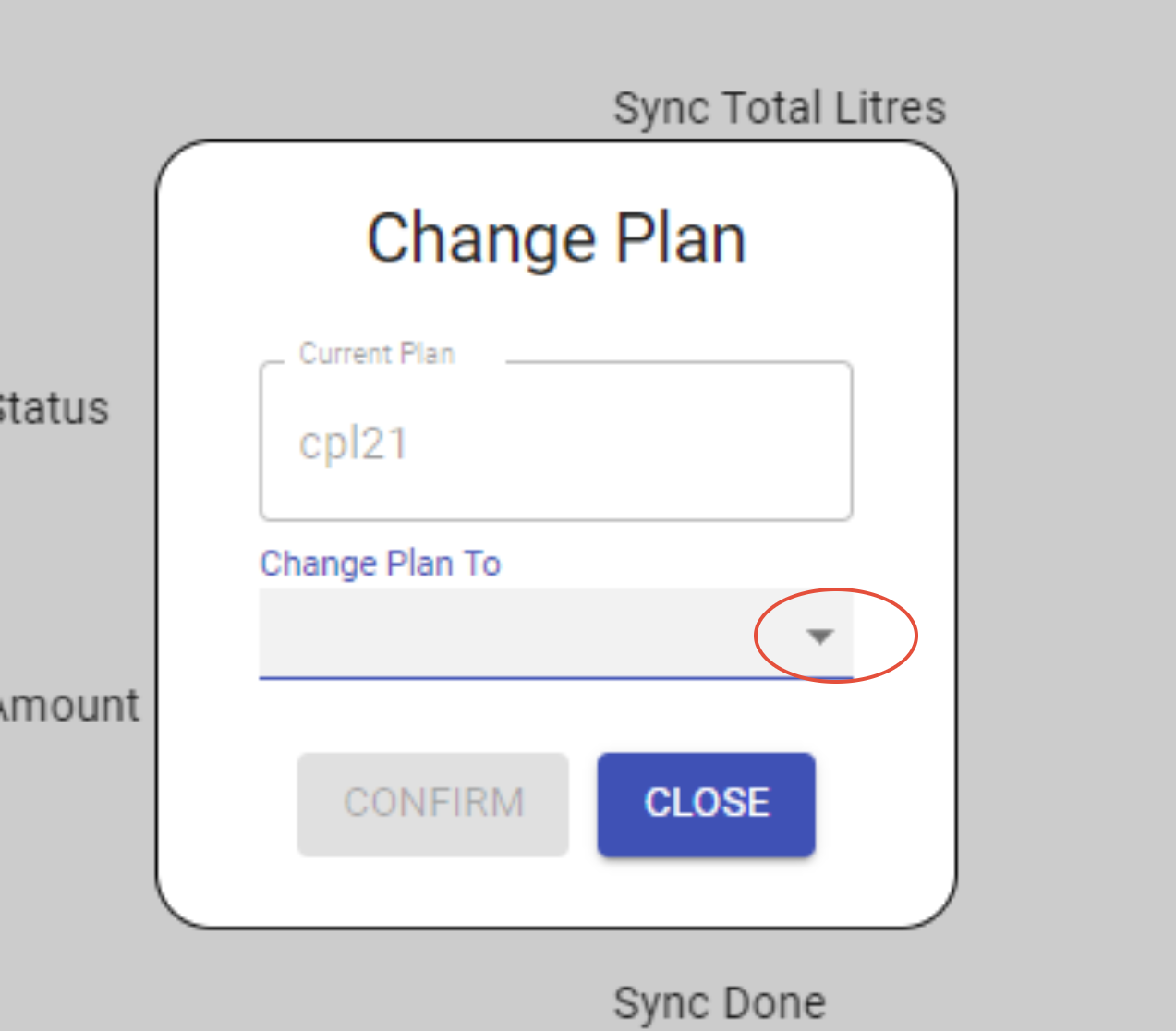
Select the desired plan
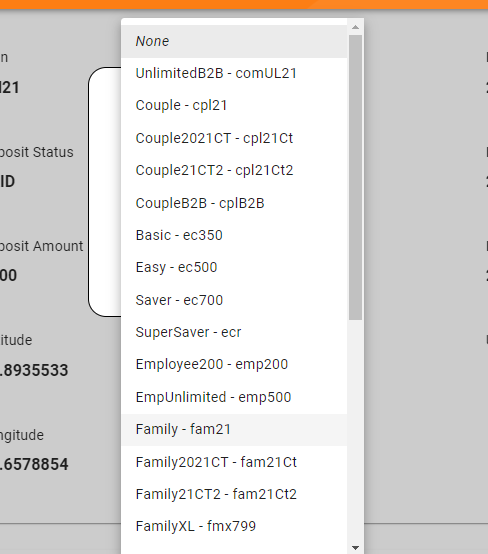
Note: If the customer is downgrading to any plan the balance liters will reset to 0 Zero
**For Reset: Customer needs to sync with the device (recent sync is required).
-------------------------------------------------------------------------------------------------------------------------------------